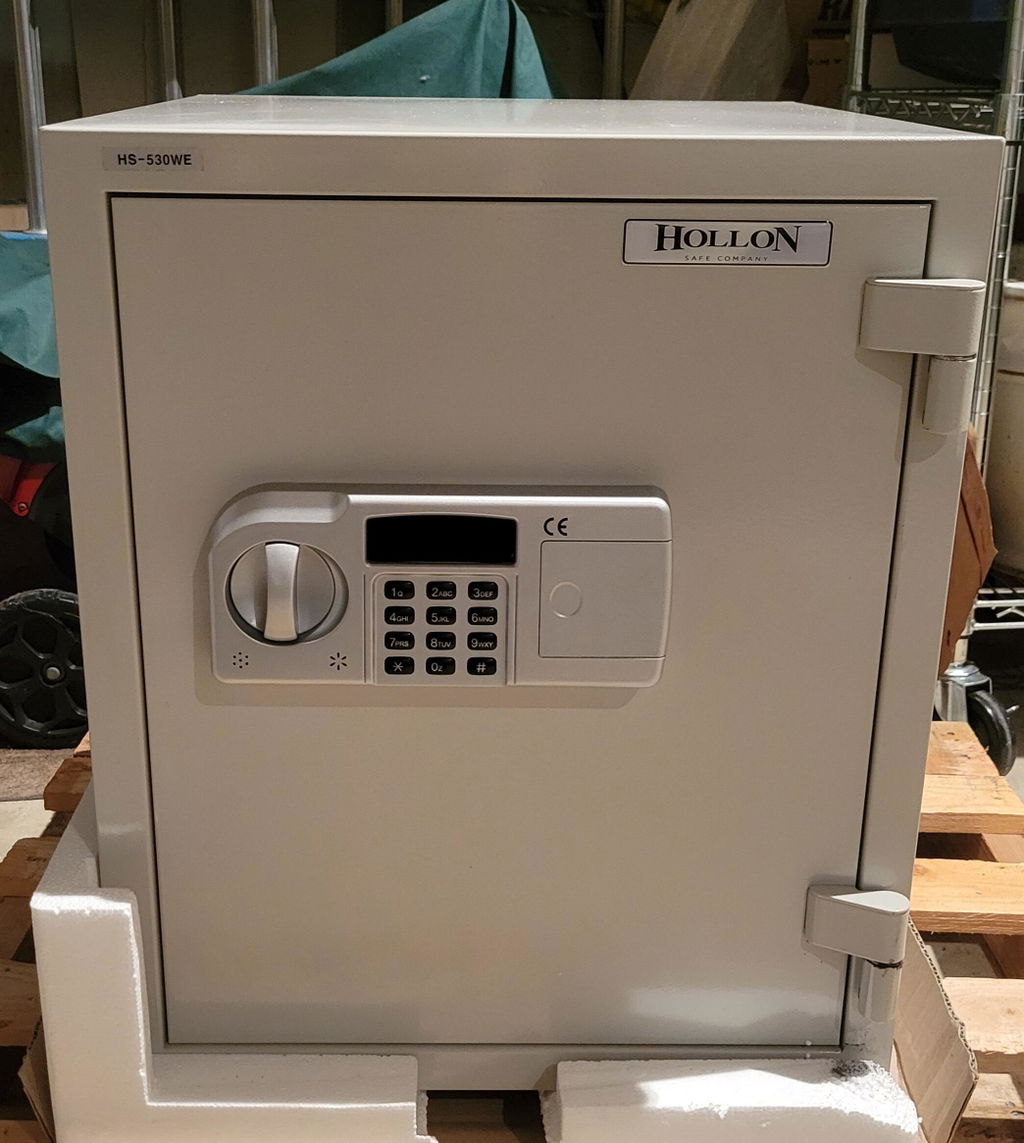
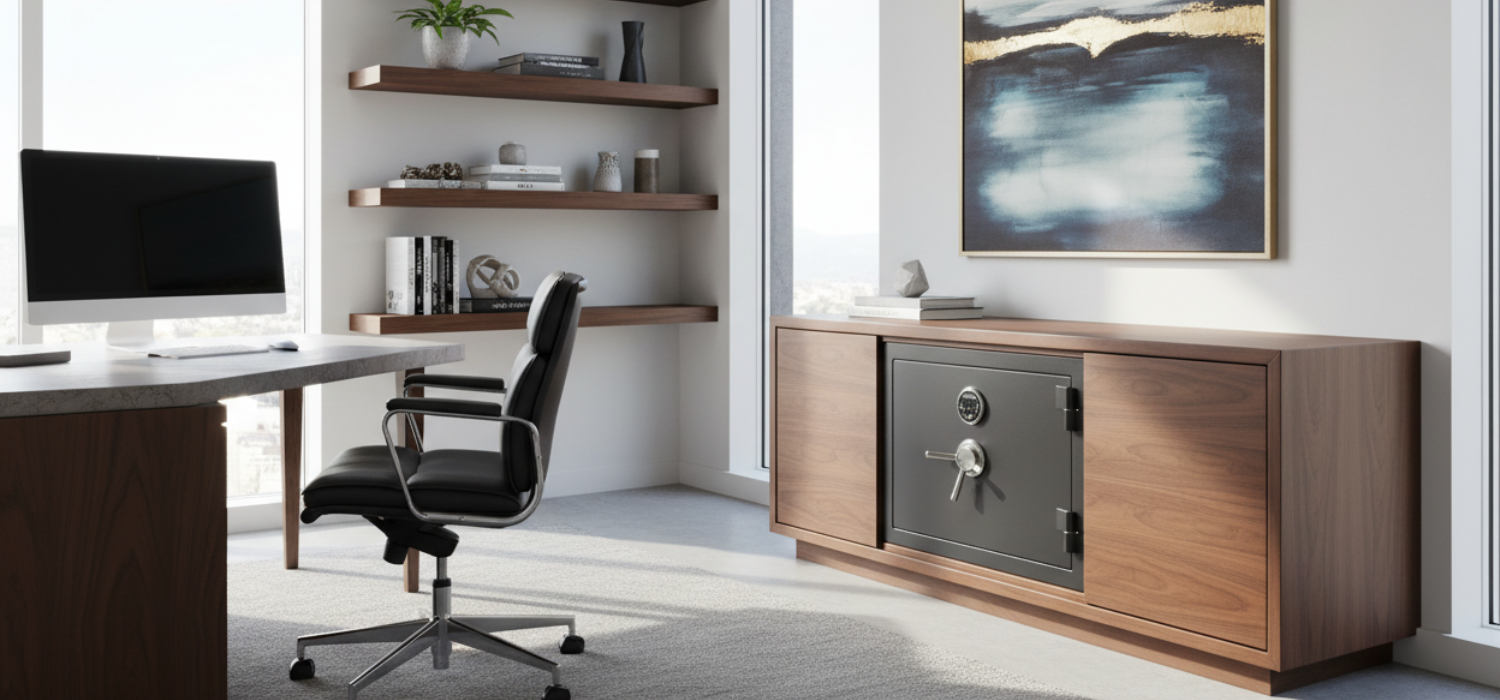
If you have a hard drive that holds payroll, client records, family photos, or your QuickBooks file, you already know the problem: it is easy to back up, and just as easy to lose in one bad night. A burglary can walk off with a drive in seconds. A fire can destroy it without ever “burning” it. Water and humidity can finish the job after the flames are out.
That is exactly where a data media safe for hard drives earns its keep. Not all “fireproof” safes protect digital storage. Paper and electronics fail at very different temperatures, and the difference matters.
Why hard drives need different protection than paper
Most document safes are designed around paper charring temperatures. Paper starts to char around 405°F, so a typical fire rating for documents focuses on keeping the inside below that range for a set amount of time.
Hard drives and other digital media are more sensitive. They can be damaged by heat well below paper’s failure point, and they are also vulnerable to humidity spikes. In a fire, a safe can become a little climate system: external heat rises, internal moisture increases, and rapid cooling from firefighting efforts can cause condensation. That combination is rough on platters, controller boards, and connectors.
So when you see “fireproof safe,” the real question is: fireproof for what? For a birth certificate, or for the drive that stores your entire business?
What “data media safe for hard drives” should mean
A data media safe is built to control three things that typically ruin digital storage during and after an emergency.
First is temperature. Media safes are designed to keep internal temperatures far lower than paper safes. The goal is to stay within a range where electronics and magnetic media do not deform, delaminate, or suffer lubricant and component breakdown.
Second is humidity. Many media safes are engineered to limit internal relative humidity during a fire event, because moisture can be as destructive as heat. This is one reason a true media safe often feels “heavier than it should” for its size - insulation and sealing systems add mass.
Third is time. Ratings matter because house fires and commercial fires do not follow a schedule. A short exposure event is common, but a longer burn or delayed response happens too, especially in commercial buildings or rural areas.
Fire ratings: what to look for and what to question
You will see fire ratings described in hours and degrees, but the details behind the label are what separates real protection from marketing.
A solid starting point is a tested rating that specifies both duration and temperature exposure. Many buyers target 1 hour or 2 hours depending on the risk profile and response times in their area. For hard drives, you want a rating that is explicitly intended for digital media, not just “documents.”
If a product only says it is “fire resistant” or gives a vague claim without a clear test reference, treat that as a yellow flag. It may still be a decent burglary safe, but you are guessing on the part that matters most for your data.
It also depends on where the safe will live. A safe in a detached garage, workshop, or warehouse can see different fire dynamics than one in a climate-controlled home office. If the environment is harsher, move up in rating rather than trying to “make up for it” later.
Media ratings vs document ratings
A common buying mistake is picking a document-rated fire safe and assuming it covers electronics. It might protect the drive from direct flame, but still allow internal temperatures that can quietly cook a hard drive.
If you are protecting rotating drives (HDDs), you are protecting mechanical precision plus magnetic storage. If you are protecting SSDs, you still have heat-sensitive controllers and flash memory that can be compromised by temperature extremes. Either way, a purpose-built media safe gives you the best odds.
Burglary protection still matters, even for “just backups”
A lot of data loss is theft, not fire. If a burglar can carry off your backup drive, you lose the data and potentially expose sensitive information.
For home use, you want a safe that is heavy enough and designed to be anchored. For business use, you may need a higher burglary rating depending on what is on the drive and what regulations apply. It is common for buyers to prioritize fire rating first, then select the best burglary resistance they can within budget and installation constraints.
This is also where lock choice matters. An electronic lock can be convenient if you access the safe frequently, while a mechanical dial may be preferred when you want long-term reliability with fewer electronics to maintain. If quick access is part of the requirement, confirm you can reliably open it under stress, not just in perfect conditions.
Size, layout, and what you are actually storing
Hard drives are small, but the way people store them is not. Many owners use USB enclosures, padded cases, or small Pelican-style protective boxes. Businesses often store drives plus LTO tapes, USB keys, SD cards, and a printed recovery sheet with passwords or key escrow information.
Buy the safe based on the real footprint of your storage method, not the bare drive dimensions. You also want to think about future growth. Data storage multiplies fast, and it is frustrating to outgrow a media safe in a year.
A practical approach is to plan for at least two complete backup sets if you rotate drives, plus room for a small binder or envelope with recovery instructions. If you are running a small office, you may also want space for a spare router, a password vault device, or a second external SSD.
Placement and anchoring: the part people skip
The best-rated safe can still fail your plan if it is easy to remove or if it sits in a high-risk spot.
From a burglary standpoint, anchoring is key. A smaller safe that is properly anchored usually beats a heavier safe that is not. Confirm what kind of mounting hardware is included, what the floor material is, and whether you need professional installation.
From a fire standpoint, placement affects exposure. A safe on an upper floor can be involved in a structural collapse. A basement location can be more vulnerable to water intrusion after firefighting. A closet on an exterior wall might see different heat patterns than one in the center of the home. There is no perfect location, but you can avoid obvious risk zones like areas with chemicals, fuel storage, or high electrical load.
If you are storing drives for a business, also consider operational access. A safe tucked in a back room is good, but only if the people who need to rotate backups can do it consistently. Security that disrupts routine often gets bypassed.
Humidity control and the “after the fire” problem
Even if the safe does its job during a fire, what happens next matters. When the environment cools and moisture is present, condensation can form. That is when corrosion and contamination can begin.
If you live in a humid region or you are placing the safe in a basement or warehouse, plan for moisture management as part of the setup. Desiccant packs can help, but they need monitoring and replacement. A safe dehumidifier is a strong option when the safe is frequently opened or the environment swings between hot and cold.
Also think about how you will retrieve and handle the media after an event. If there has been a fire, you do not want to open the safe in a humid, smoky environment and leave drives exposed. The goal is controlled handling: remove, bag if needed, and move to a dry, stable area.
Common shopping mistakes to avoid
Many buyers lose time and money by focusing on the wrong spec.
One mistake is treating “fireproof” as a single category. It is not. Document protection and media protection are different design targets.
Another mistake is buying too small. If you cannot fit your real-world storage cases or you cannot rotate drives comfortably, you will stop using the safe the way you intended.
A third is ignoring anchoring and placement. Theft is fast, and unanchored units are frequently the first thing taken. Fire exposure also changes drastically depending on location.
Finally, do not confuse a media safe with a backup strategy. A safe protects the physical device. It does not protect you from accidental deletion, malware, or corrupted backups.
A practical way to match the safe to your risk
If you are a homeowner protecting irreplaceable photos and personal records, a media-rated fire safe with solid anchoring is typically the sweet spot. You want real fire performance plus enough burglary resistance to keep a smash-and-grab from turning into identity theft.
If you run a small business, ask a sharper question: what is the cost of downtime and exposure? If one stolen drive triggers reporting requirements, legal cost, or client loss, it may justify stepping up to higher burglary resistance and a stronger fire rating, plus a stricter rotation process.
If you are protecting regulated or highly sensitive data, consider splitting risk: keep one encrypted backup in the safe and one off-site in a separate secure location. The safe is one layer, not the whole system.
For buyers comparing models and ratings, Secure Zoned has a dedicated selection of data and media safes and the kind of call or text support that helps you choose based on your actual storage setup and installation plan: https://securezoned.com.
Closing thought
The goal is not to find a safe that sounds impressive on a product label. The goal is to make sure the drive you will need most on your worst day is stored in a container engineered for heat, humidity, and theft - and placed and used in a way that makes failure unlikely.