
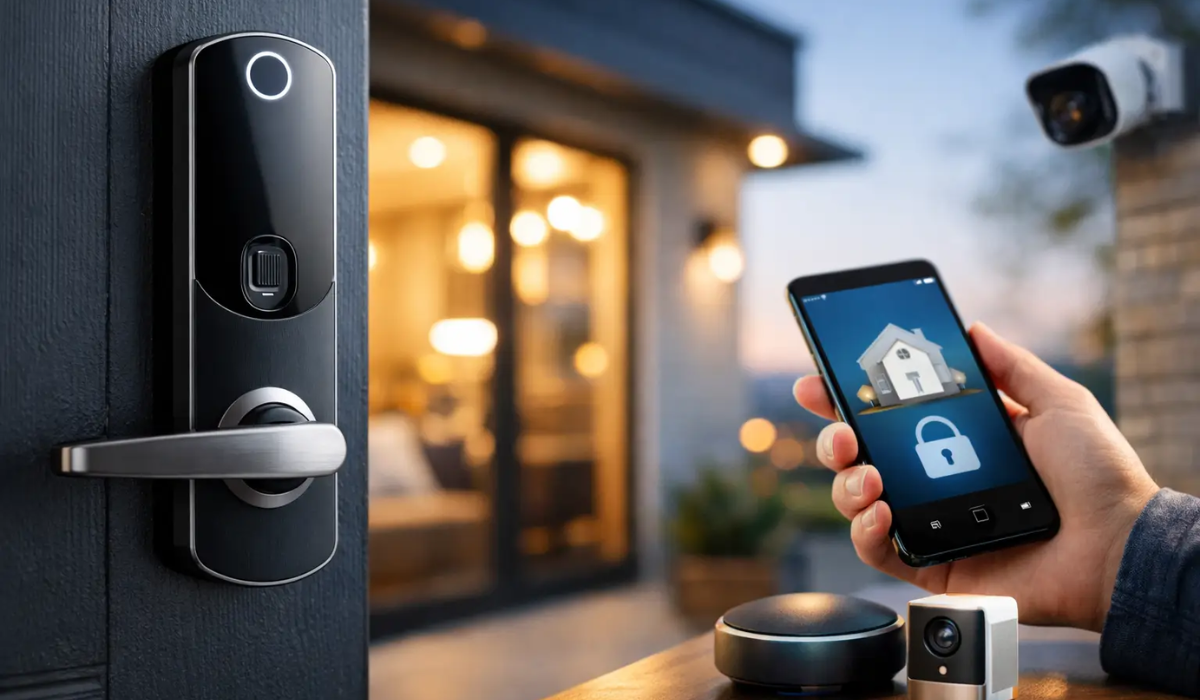
A front door key shared with a dog walker, house cleaner, teenager, or contractor can stay in circulation long after it should. That is why smart locks trends for home security are increasingly focused on control: knowing who can enter, when they entered, and how quickly access can be changed. For homeowners, the best smart lock is not necessarily the one with the longest feature list. It is the one that fits the door, your daily routine, and the level of backup protection you expect.
Smart Locks Trends for Home Security: Control Over Convenience
The biggest shift is away from treating a smart lock as a novelty gadget. Buyers are looking for a practical layer of entry security that reduces key copying, gives family members simpler access, and provides useful information without creating a complicated system to manage.
Temporary and scheduled access codes are leading this change. Instead of handing out a physical key, a homeowner can issue a code that works only during a set time window. This is useful for recurring service appointments, vacation rentals, visiting relatives, and older children coming home from school. When the arrangement ends, the code can be deleted rather than hoping every spare key comes back.
Activity history is also becoming more relevant. Many smart locks can record which code was used and when. That does not replace a security camera or an alarm system, but it can answer a common question: was the door accessed after school, before a delivery, or while the home was vacant? The value is accountability, not constant surveillance.
For households that prefer fewer phone-based controls, keypad and fingerprint access continue to gain ground. A keypad gives family members a direct way to enter without carrying a key. Fingerprint readers can be fast for frequent use, though they deserve realistic expectations. Wet fingers, dirty sensors, cold weather, and lower-quality readers can affect performance. A physical keyway or another reliable backup entry method still matters.
The Features Worth Evaluating Before You Buy
A smart lock is only as dependable as its mechanical hardware, power plan, and installation. Start with the basics before comparing app screens or voice-assistant compatibility.
Door fit and deadbolt quality come first
Most residential smart locks replace the interior portion of an existing deadbolt or replace the entire deadbolt assembly. Measure the door thickness, backset, and bore hole before ordering. Also check whether the door and strike plate are aligned well. If a deadbolt binds or requires pushing the door to lock, adding electronics will not solve the underlying issue.
Look for a solid deadbolt and a reinforced strike plate secured with long screws that reach the framing behind the jamb. The lock itself is one part of the system. A weak strike plate, damaged frame, or poorly aligned door can reduce the real-world benefit of even a well-built smart lock.
For exterior doors, a BHMA grade is a useful comparison point. Higher grades generally indicate more demanding testing for durability and security. It is not a guarantee against forced entry, but it is more meaningful than marketing language alone.
Battery warnings and emergency access are not minor details
Most smart locks run on standard batteries, often AA cells or a dedicated battery pack. Battery life depends on climate, Wi-Fi or hub use, motor strength, and how often the door is operated. A quality lock should provide advance low-battery warnings through the keypad, app, or both.
Do not choose a lock based on the assumption that your phone will always be available. Consider what happens if batteries die, the internet goes down, an app account has a problem, or a guest does not have a smartphone. Depending on the model, reliable fallback options can include a traditional key cylinder, a 9-volt emergency power contact, or an interior thumbturn. Review these details before installation, not during a late-night lockout.
Choose connectivity based on your actual needs
Bluetooth, Wi-Fi, Z-Wave, Matter, and proprietary hubs all serve different purposes. Bluetooth can work well for nearby control and may preserve battery life, but it usually does not offer remote access unless paired with a bridge or hub. Wi-Fi provides remote control and notifications directly, though it can use more battery power.
For homes with a broader automation system, Z-Wave, Matter, or a compatible hub may make more sense. These options can connect a lock with lights, alarms, thermostats, or routines. Still, integration should be a benefit, not the deciding factor. If the family needs simple keypad access and occasional code changes, a straightforward lock with dependable local operation may be the better purchase.
Privacy and Account Security Are Part of Physical Security
A connected lock adds a digital account to a physical security decision. That does not make smart locks unsafe, but it does mean account setup deserves the same care you would give a safe combination or alarm code.
Use a unique, strong password for the lock account and enable two-factor authentication if the manufacturer offers it. Create separate user codes instead of sharing one household code. If a code is exposed, you can remove a single user rather than changing access for everyone. Avoid obvious PINs such as an address, birthday, or repeating sequence.
Before choosing a brand, check whether it publishes security updates, supports current encryption standards, and has a clear process for account recovery and ownership transfer. A lock may stay on your door for years. Ongoing software support matters more than an app feature that looks impressive on the first day.
Be thoughtful about data as well. Some homeowners want detailed activity logs and remote alerts. Others want a lock that works locally with minimal cloud dependence. Neither preference is wrong. The right choice depends on whether remote awareness outweighs your privacy concerns and whether everyone in the household is comfortable using the system.
Smart Lock Trends That Help Real Households
Several current smart lock trends are genuinely practical when matched to the right use case.
Hands-free entry is improving through features such as auto-unlock when an authorized phone is nearby and auto-lock after the door closes. Auto-lock can be especially helpful for busy families, but it should be configured cautiously. A very short timer can be frustrating when carrying groceries, taking out trash, or moving items in and out of the house. Test the setting and make sure every household member understands it.
Remote code management is valuable for second homes, rental properties, and households with frequent visitors. It also helps when an elderly parent, babysitter, or pet sitter needs access. The practical advantage is not simply opening a door from far away. It is being able to limit access to the people and times that make sense.
Integrated systems are another growing trend. A lock can trigger lights when a family member arrives or send an alert when a side door is opened. For many homeowners, however, the best integration is modest: a notification for an unexpected entry and a reliable way to verify that the door locked after leaving.
There is also renewed interest in keypad-first locks with less dependence on a phone. This reflects a sensible concern. Home security should still work when Wi-Fi is interrupted, a phone battery is dead, or a guest is not comfortable with an app. Local keypad access, a mechanical override, and clear battery alerts are often more useful than extra automation.
Where a Smart Lock Fits in a Complete Protection Plan
A smart lock protects an entry point. It does not replace the need to secure what is inside the home. Firearms should be stored responsibly in a purpose-built gun safe or quick-access handgun safe, not left in a nightstand or assumed safe because the front door has a connected deadbolt. Important documents, jewelry, and heirlooms may need a fire-rated safe with the appropriate burglary protection and anchoring options.
This distinction matters because different threats require different tools. A smart lock can help manage access and alert you to entry activity. A properly selected safe can protect valuables from theft, fire, and unauthorized handling. For higher-value items, features such as steel thickness, bolt work, relockers, fire ratings, UL-listed locks, and secure anchoring deserve the same careful review as the lock on the door.
Layering is usually more effective than relying on one device. Good exterior lighting, solid door hardware, a monitored alarm or camera system where appropriate, locked windows, and a safe suited to the contents all make a home harder to compromise. The goal is not to make daily life feel restrictive. It is to create sensible barriers that work when you need them.
A Better Way to Decide
Start with the people who need access, not the app you want to use. A homeowner with two adults and school-age children may value keypad codes and auto-lock. Someone managing a rental or frequent service visits may prioritize temporary access schedules and activity history. A household that rarely needs remote access may be happier with a simpler model that keeps core functions local.
Then ask the unglamorous questions: Does the deadbolt fit the door? Is there a physical or emergency backup? What happens during a power or internet outage? How often will batteries need attention? Can user codes be deleted individually? If the answer to those questions is clear, the technology is more likely to serve your security plan rather than complicate it.
The right smart lock should make responsible access easier while leaving you confident that the door will operate when it matters. Pair that decision with strong physical door hardware and secure storage for the items you cannot afford to lose, and your home protection plan has a much stronger foundation.