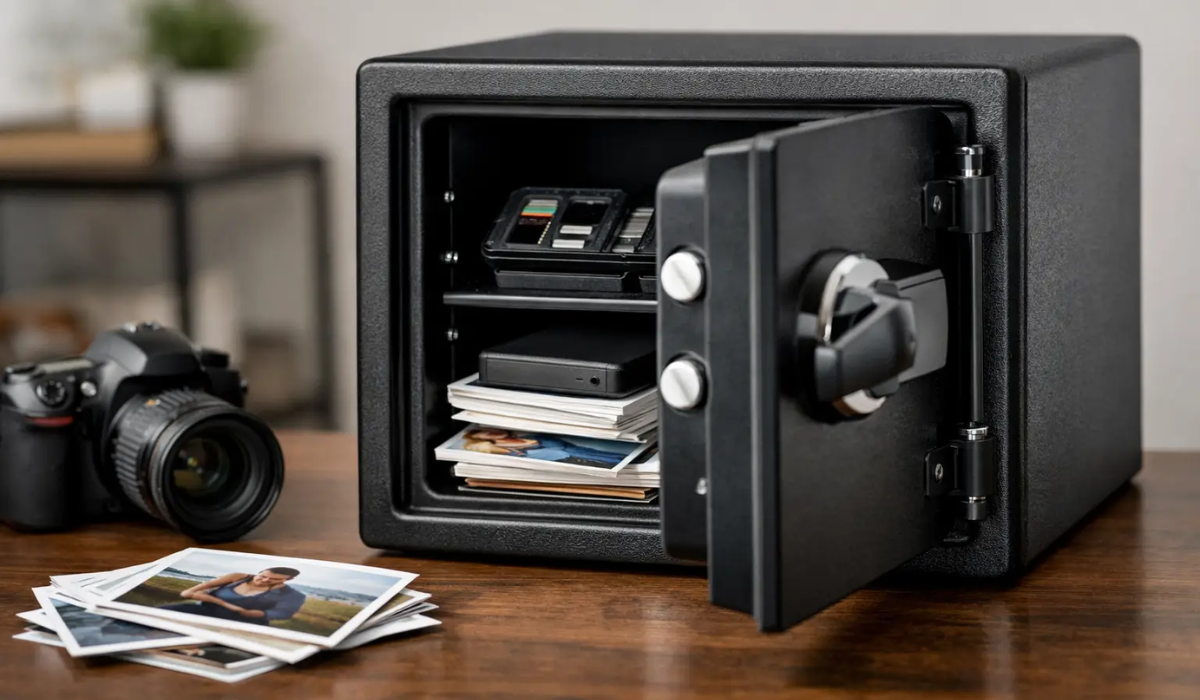
A house fire can destroy years of family history in minutes, even when the photos themselves never existed on paper. A fire safe for digital photos can protect external hard drives, USB drives, memory cards, and discs, but only if it is designed for the media you store. This is where many buyers make a costly mistake: a safe that protects paper documents may still allow temperatures high enough to damage digital files.
Your photos may live on a laptop, a phone, a desktop computer, or cloud storage. But if your only full-resolution copies are on a portable drive in a desk drawer, they need a physical protection plan. The right safe gives that plan a much better chance of surviving fire, water, theft, and the everyday accidents that put irreplaceable memories at risk.
Why a document safe may not protect digital photos
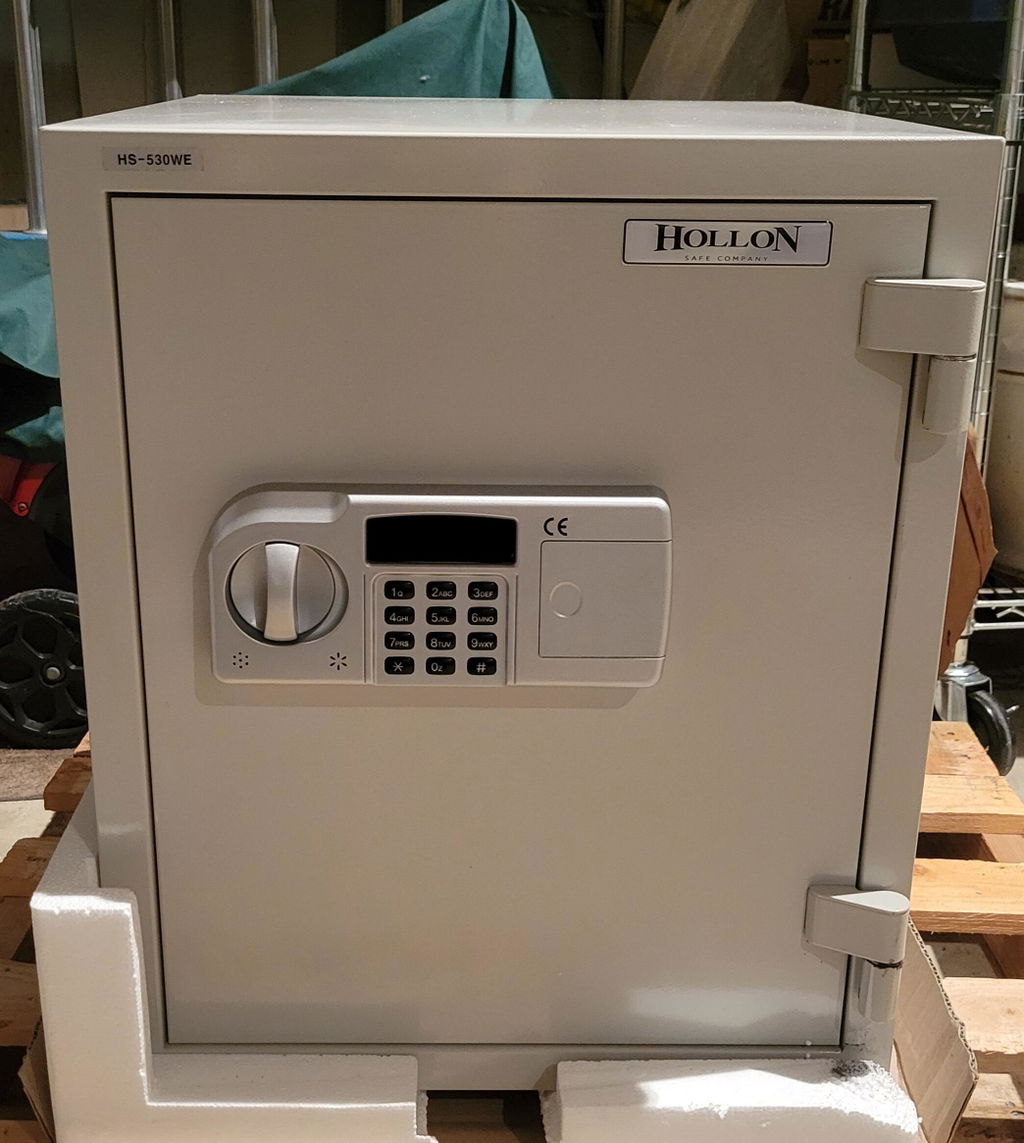
Most fire-rated home safes are built to protect paper. During a fire test, the safe’s interior is generally allowed to reach up to 350°F, because paper begins to char and ignite at higher temperatures. That is a meaningful level of protection for passports, birth certificates, tax records, and printed photographs.
Digital media is more sensitive. Hard drives, solid-state drives, USB flash drives, SD cards, and optical discs can fail at temperatures well below the threshold used for paper document safes. Heat can damage delicate electronic components, warp discs, weaken adhesives, or make stored data unreadable. A conventional fire safe may keep paperwork intact while the drive holding your entire photo library becomes unusable.
For that reason, shoppers should look beyond the phrase “fireproof safe.” Fireproof is a common marketing term, not a complete description of what a safe can protect. The useful question is: what internal temperature is the safe tested to maintain, for how long, and for what type of media?
Look for a fire safe for digital photos with media protection
A true media safe is designed to maintain a lower interior temperature than a standard document safe. UL Class 125 ratings are among the most relevant standards for computer media. In a UL Class 125 fire test, the safe is tested to keep the interior below 125°F while exposed to severe external heat for its rated duration.
That lower temperature target is significant for digital storage. If you keep photo backups on external hard drives, flash drives, memory cards, or discs, a safe with a media-specific rating offers a much stronger layer of protection than a paper document safe.
The time rating matters, too. A 30-minute model may be suitable for a lower-risk setting or as part of a larger backup strategy. A one-hour or two-hour rating provides more breathing room during a serious residential fire. Longer ratings are not automatically the best choice for every household, since larger fire-rated safes cost more, weigh more, and require more floor space. Still, when a family’s digital archive cannot be replaced, more tested fire time is often worth considering.
Understand the difference between tested ratings and claims
Look for clear information about the testing organization, the temperature limit, and the duration. A manufacturer that simply says a safe is “fire resistant” without explaining the test gives you less to evaluate.
Independent ratings such as UL classifications are especially helpful because they make comparison easier. A safe may also carry an ETL fire rating or a manufacturer-tested rating. These products can still be appropriate, but read the specifications closely. Confirm whether the rating applies to paper documents, computer media, or both.
A safe’s exterior temperature rating can sound impressive, such as 1,500°F or 1,700°F. That number alone does not tell the whole story. What matters most for your photos is the interior temperature the safe is designed to hold during that exposure.
Choose storage media that works with your protection plan
No safe can repair a failed drive or replace a backup that was never made. Digital photo protection works best when physical storage, backup habits, and safe selection support one another.
External hard drives are popular because they offer large storage capacity at a reasonable cost. They are useful for full photo libraries, but they contain moving parts and should be handled carefully. Solid-state drives have no moving parts, are compact, and generally tolerate bumps better, though they can cost more per terabyte. USB drives and SD cards are convenient for smaller backups, but their small size makes them easy to misplace.
For many households, keeping one encrypted external drive in a media-rated safe is practical. Keep a second copy somewhere else, such as with a trusted family member or through a reputable cloud backup service. This separation matters because a safe can be defeated by more than fire. Flooding, burglary, structural collapse, or a safe that cannot be accessed after a disaster can all complicate recovery.
A simple rule works well: keep at least three copies of important files, on two different types of storage, with one copy stored away from your home. A fire safe becomes the local, immediately accessible part of that strategy, not the only place your photos exist.
Water resistance and humidity deserve attention
Firefighting can expose a safe to substantial water, and a flooded home can be just as damaging to electronics as a fire. Water-resistant safes are worth considering, particularly in areas with hurricane, flood, or basement moisture concerns. Check how long the safe is tested to resist water and under what conditions. Water resistance is not the same as being permanently waterproof.
Humidity inside a safe also deserves attention. Fire-resistant insulation can retain moisture, and enclosed spaces can trap it. Over time, excess humidity may contribute to corrosion on hard-drive connectors, batteries, and metal components.
Use rechargeable or alkaline batteries carefully inside long-term storage, since leaking batteries can damage nearby items. For sensitive media, place drives and memory cards in sealed moisture-resistant bags or cases, then add silica gel desiccant packs that can be reactivated or replaced. Do not pack the safe so tightly that you cannot inspect and rotate the contents.
If you are storing a portable hard drive for months at a time, take it out periodically, confirm that it still works, and update the backup. A fire safe protects the hardware from an emergency. Regular checks protect you from discovering years later that the backup itself failed.
Size, access, and placement affect real-world protection
A compact media safe may be enough for several drives, memory cards, and important discs. If you also want to protect paper records, passports, jewelry, or small valuables, you may need a larger fire-rated home safe with a dedicated media compartment or interior organizer.
Before buying, measure the items you plan to store, including protective cases. Interior dimensions matter more than outside dimensions. Fire insulation takes up space, so a safe that looks generously sized from the outside may have limited usable capacity inside.
Access is another trade-off. A key lock is straightforward and does not rely on batteries, while electronic locks offer fast entry and easy code changes. Biometric locks can be convenient for frequent access, but fingerprint readers should be viewed as a convenience feature, not the only recovery method. A quality safe should provide reliable backup access options and follow the manufacturer’s procedures for emergency entry.
Place the safe where it is least likely to be exposed to extreme fire conditions and where you can secure it properly. A ground-floor location is often preferable to an upper-floor closet, especially for heavier models. Avoid damp basements unless the safe’s water protection and the room’s moisture conditions are appropriate. Anchoring can help deter theft, but confirm the manufacturer’s instructions before drilling or mounting a fire-rated safe.
Do not forget security against theft
A media safe protects against heat, but it may not provide the burglary resistance of a heavy-duty gun safe, jewelry safe, or TL-rated burglary safe. If your photo drives contain financial records, identity documents, business files, or personal information, theft protection matters as much as fire protection.
Consider the safe’s steel construction, lock quality, boltwork, weight, and anchoring provisions. For higher-value contents, a heavier burglary-rated safe can be the better fit, paired with a separate media-rated container inside it if compatible with both manufacturers’ guidance. The right setup depends on whether your biggest risk is fire, theft, water, or a combination of all three.
A practical way to protect your family archive
Start by identifying where your original photo files are stored. Copy them to at least one dedicated backup drive, verify that the files open, and label the drive with the date of the last backup. Then choose a media-rated safe with enough room for that drive, your future backups, and basic moisture protection.
The best time to test a backup is before you need it. Set a reminder to update your photo archive every few months, keep one copy outside the home, and make the safe part of a routine your family can maintain. Your photos are not just files. They are birthdays, service memories, first days of school, and the people you want to remember clearly.