
Great same and company was very responsive
Ben was super helpful. I spent some time exploring and changing my mind on what to purchase, and finally nailed it down. I had some particulars with the shipping including timing, and everything went smoothly and exactly how I needed it to. Thank you Ben and team for your attention to detail!
The Hollon safe I purchased is perfect for all my important papers ...its made extremely well and I love the electronic lock making it quick to open.
Ben...was extremely friendly and kind working with me through my purchase process and kept me updated on its arrival.
I recommend this safe and Secure Zoned Company to everyone!
Thank you very much!
Barb C.
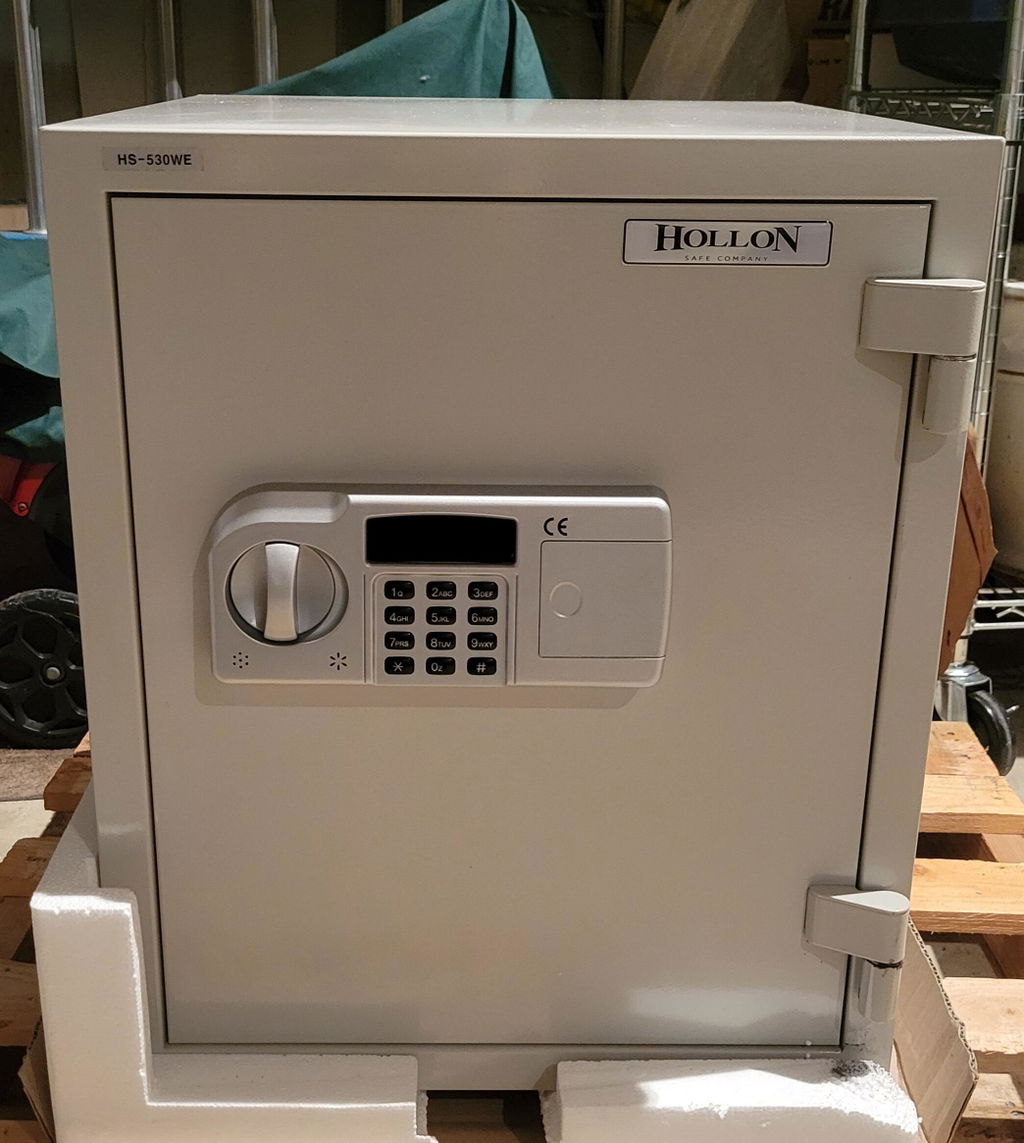
I haven't opened the box yet but it arrived undamaged in record time! I don't think it's a matter of the stars having aligned, Ben was instrumental in getting my order to me as quickly as possible. Of course he couldn't guarantee what the shipping company would do but he did everything possible on his end to help get the wall safe to me before I left on a trip. Thank you Ben!!!
I was looking for a fire safe to replace my very old fire-resistant box, and happened upon the Hollen HS-310E. After looking around on line at various different vendors, I ordered it through SecureZoned, for a good price and a discount. SecureZoned shipped the safe in a timely fashion and it was well packaged.
The safe is quite sturdy and it easy to re-set the master code and open and shut it. It's not a burglary safe, but I only keep documents and papers in it. As a fire safe, the specs are quite impressive. Unfortunately, I can't give it 5-stars, because to do so would mean that my house burned down, but my papers were preseved (and I don't want to test that - and hopefully never will). But I do feel more comfortable knowing that my documents are in very secure fire safe.
